Meet Sportelier
Kraków · beta
The roster you see is the roster that shows up.
A reserve, a waitlist and, the day before, the question of who is coming.
You can browse events without an account too.
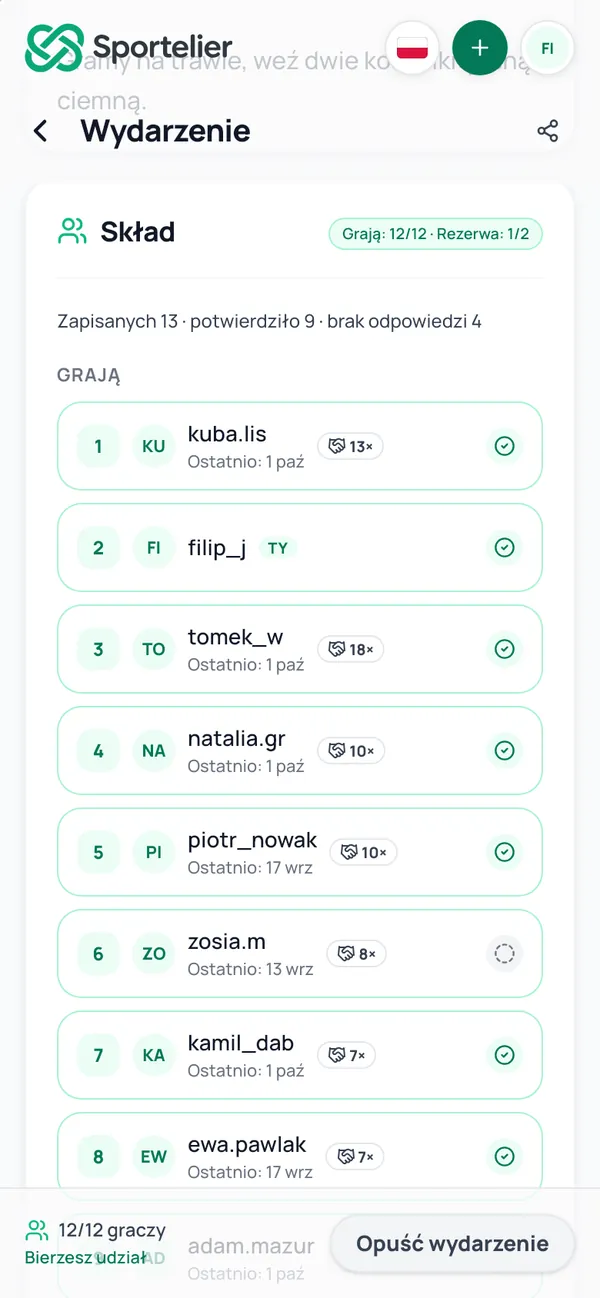
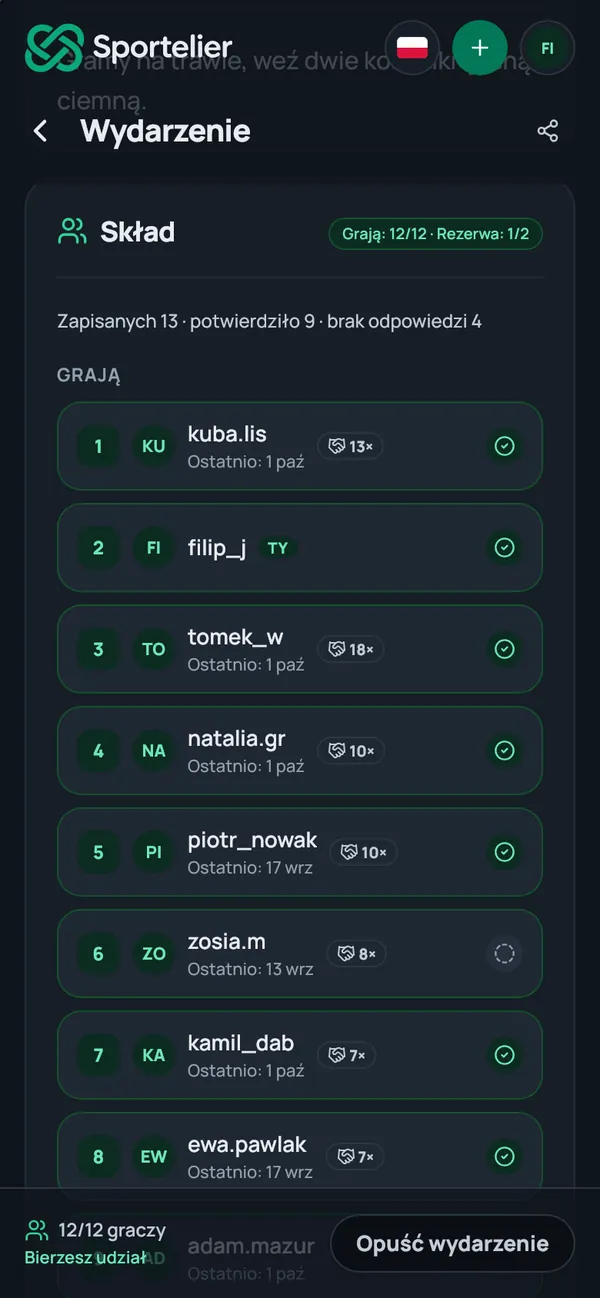
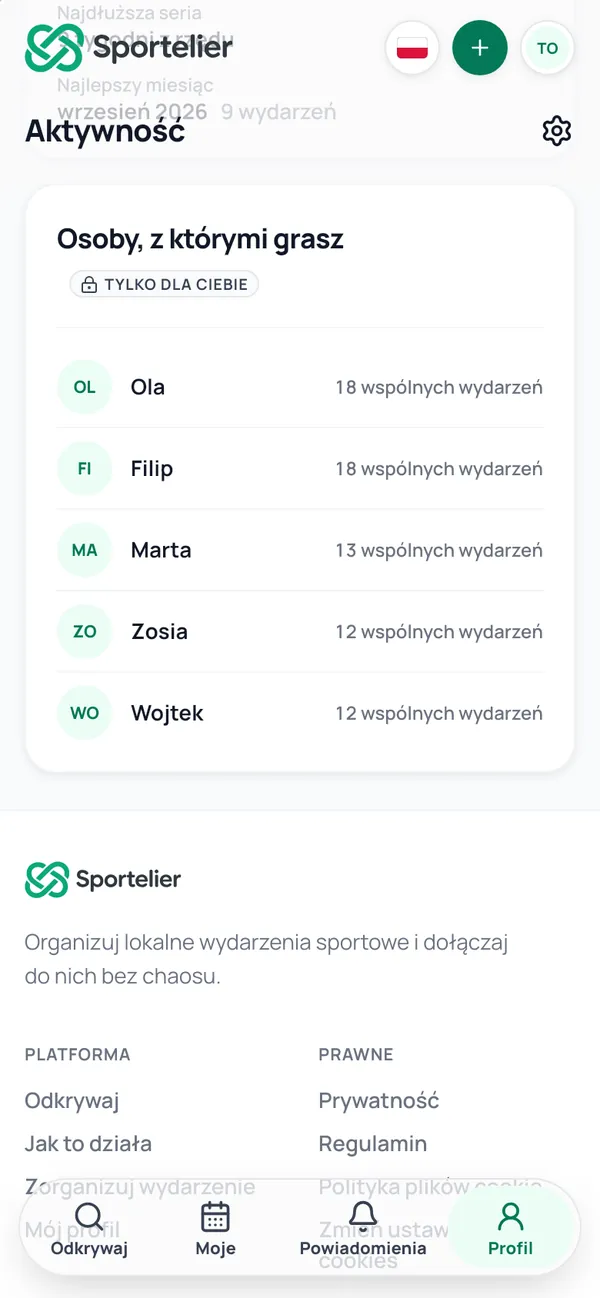
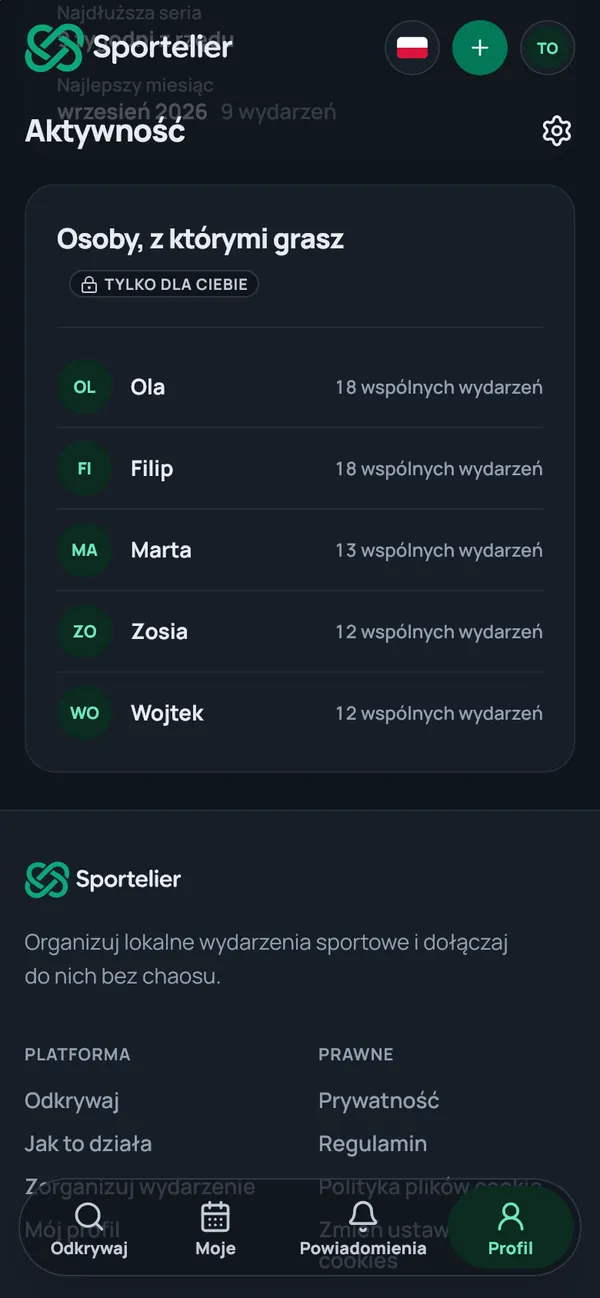
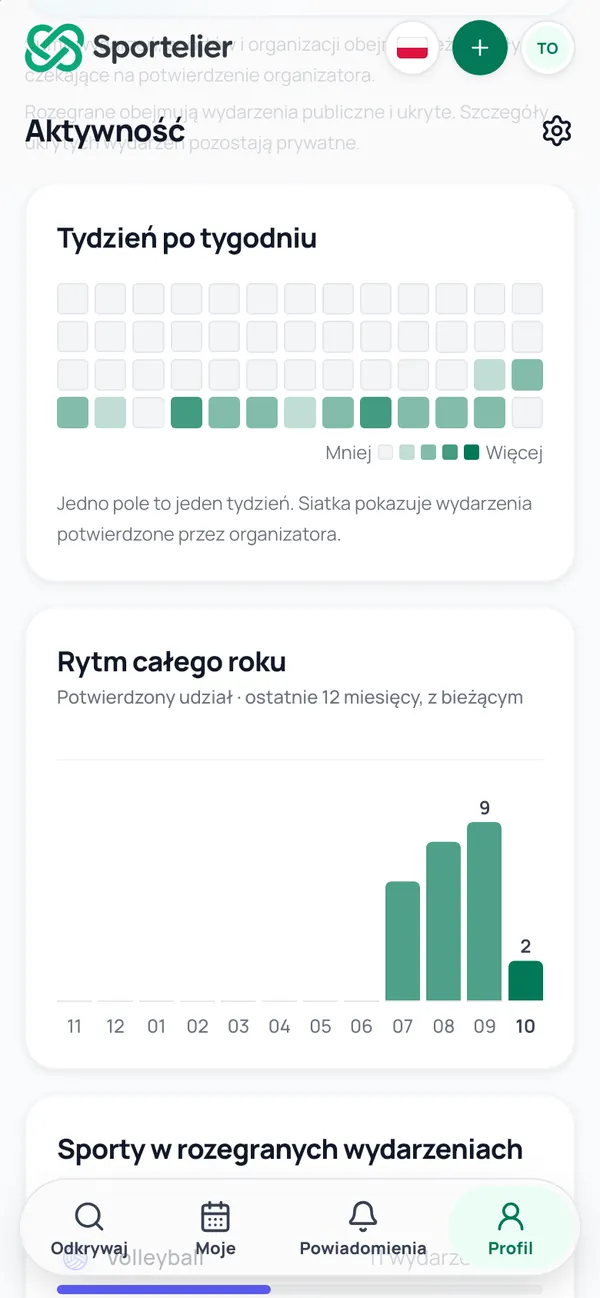
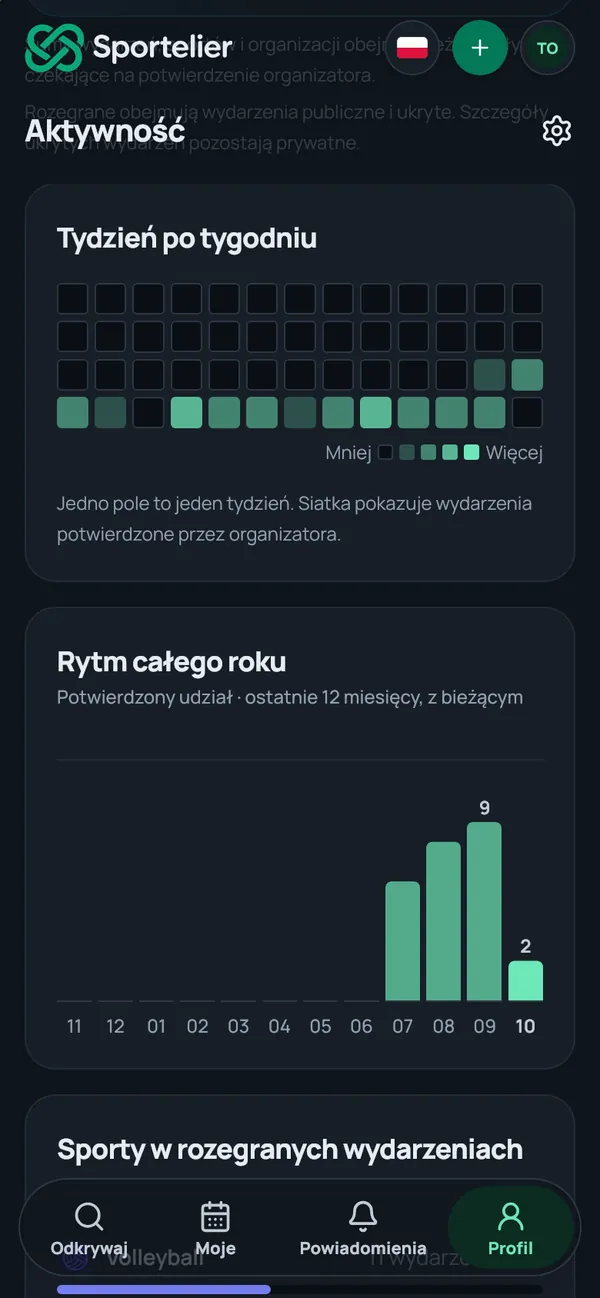
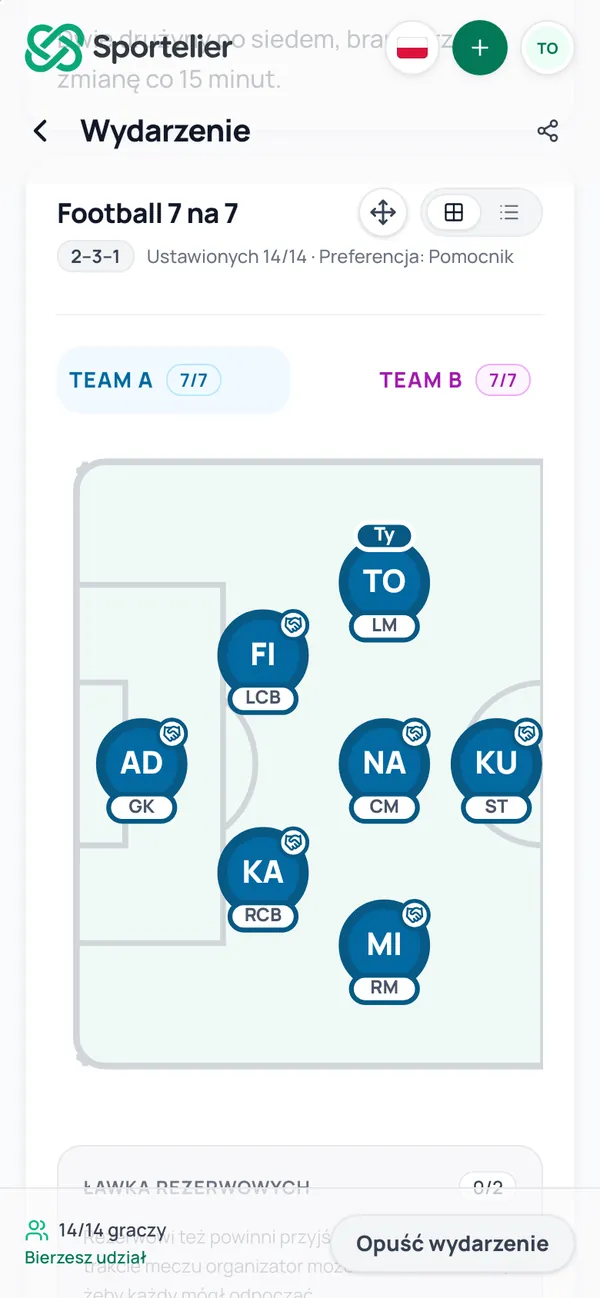
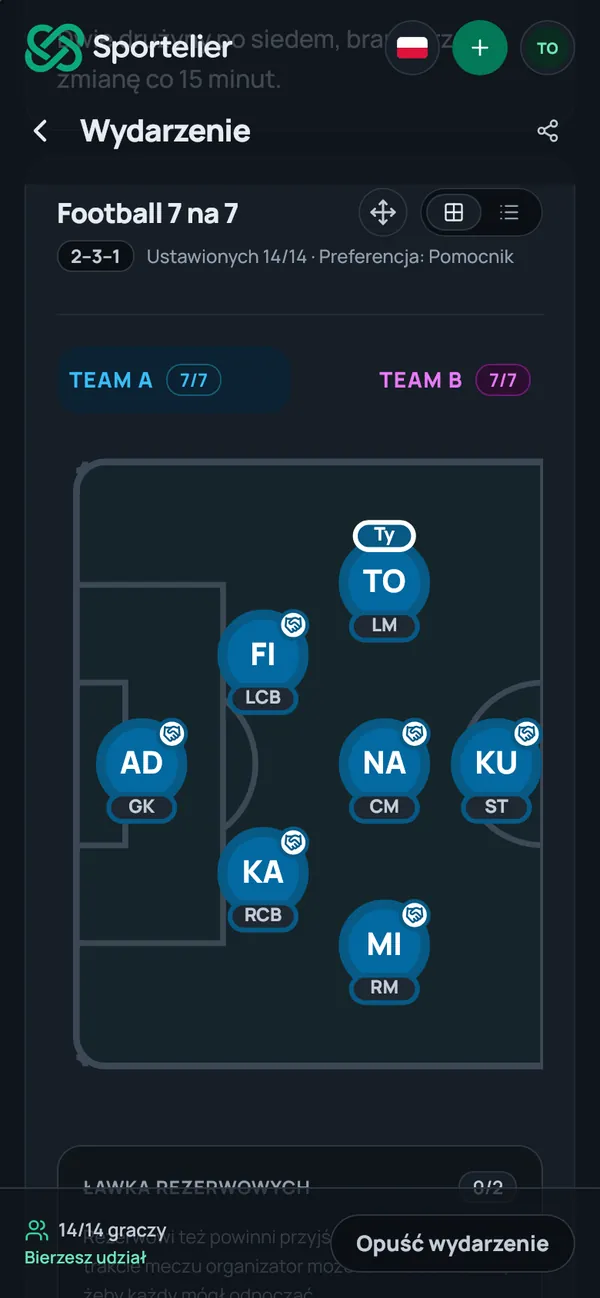
Real app screens, example data
Find and join
Sport is closer than you think.
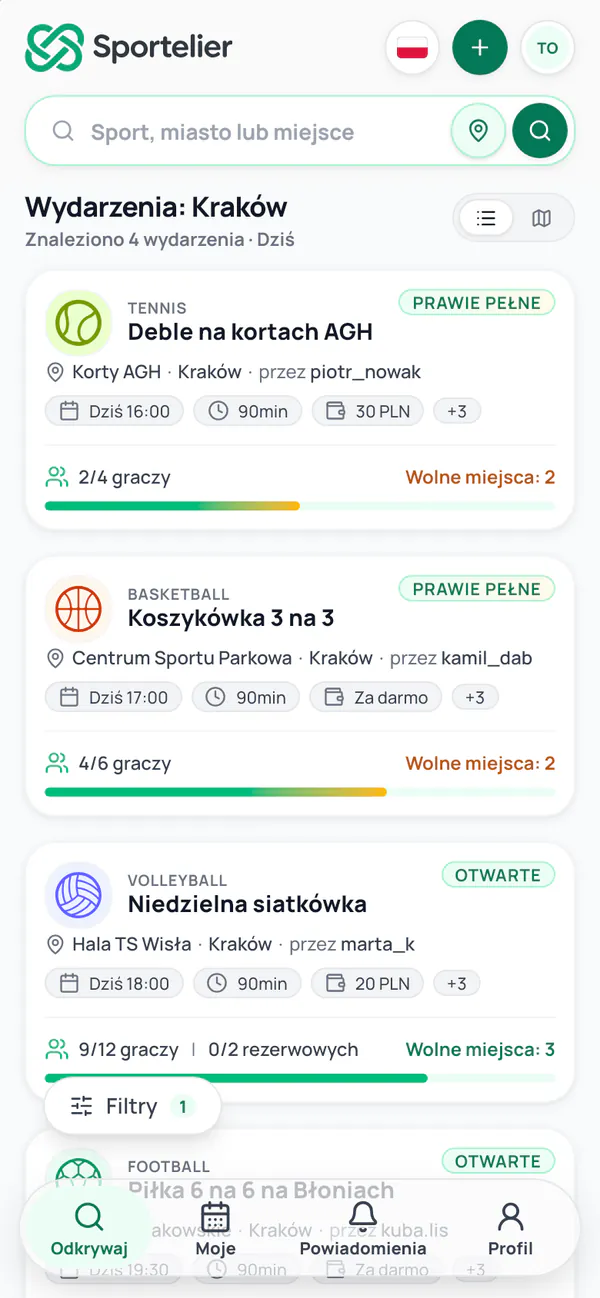
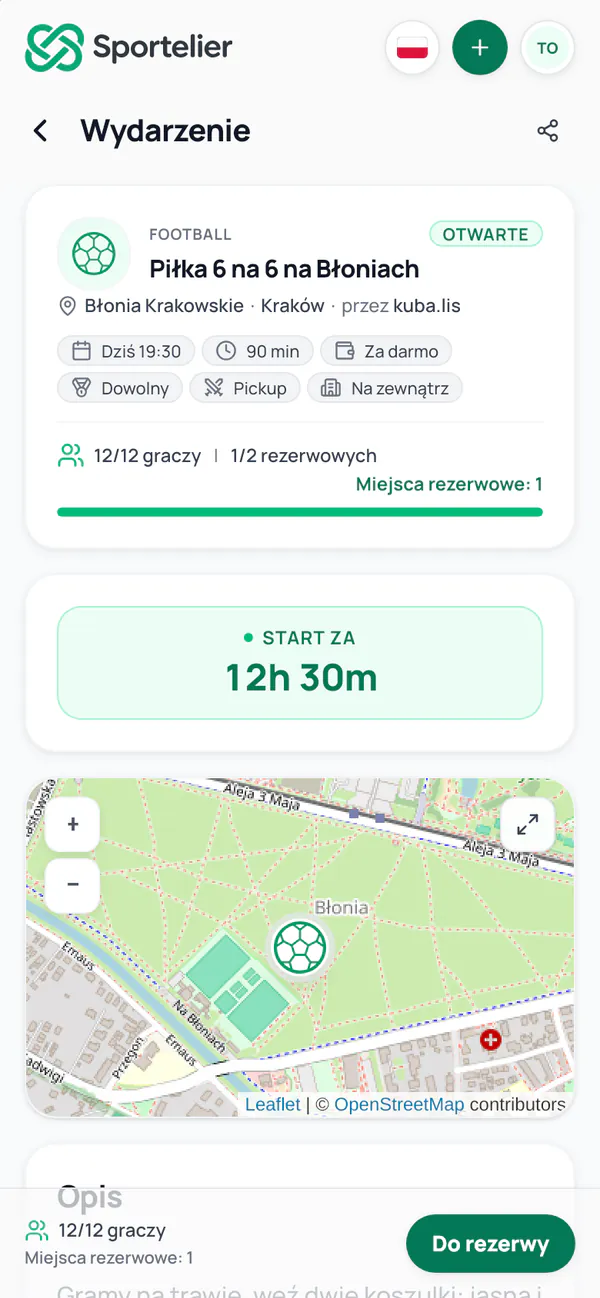
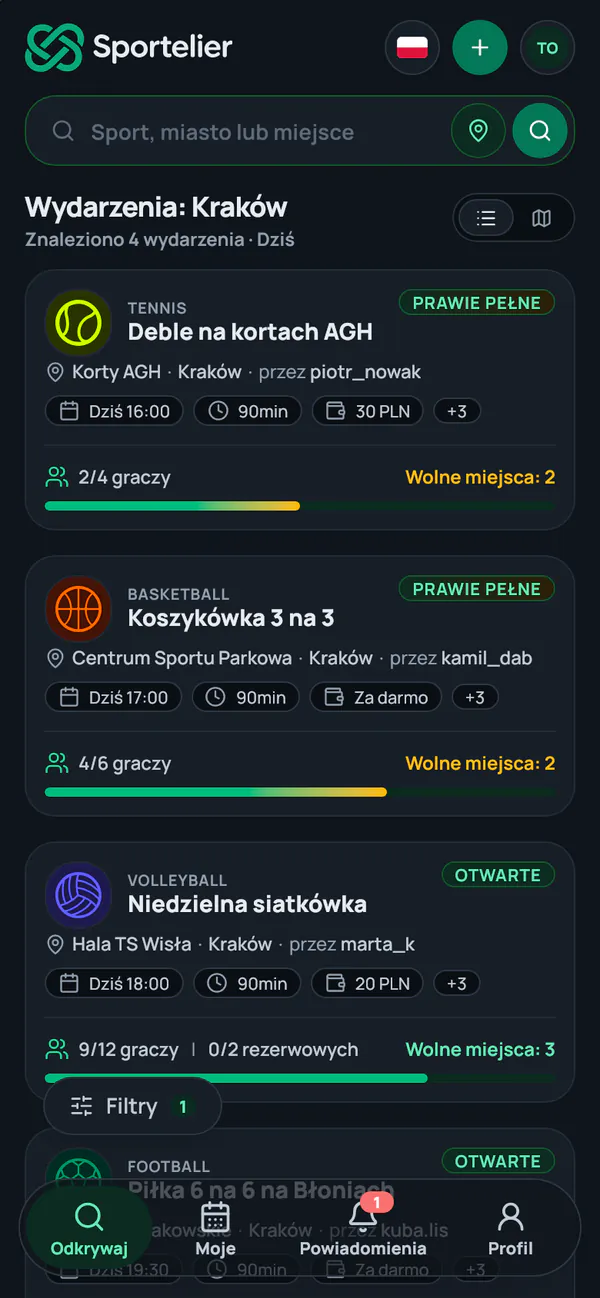
The list and the map show events near you today, tomorrow and at the weekend. You choose the sport, the time of day and the level, and for a run, the pace. You take an open spot, and when there is none, you join the reserve or the waitlist.
- Football
- Volleyball
- Basketball
- Tennis
- Padel
- Running
- Cycling
- Hiking
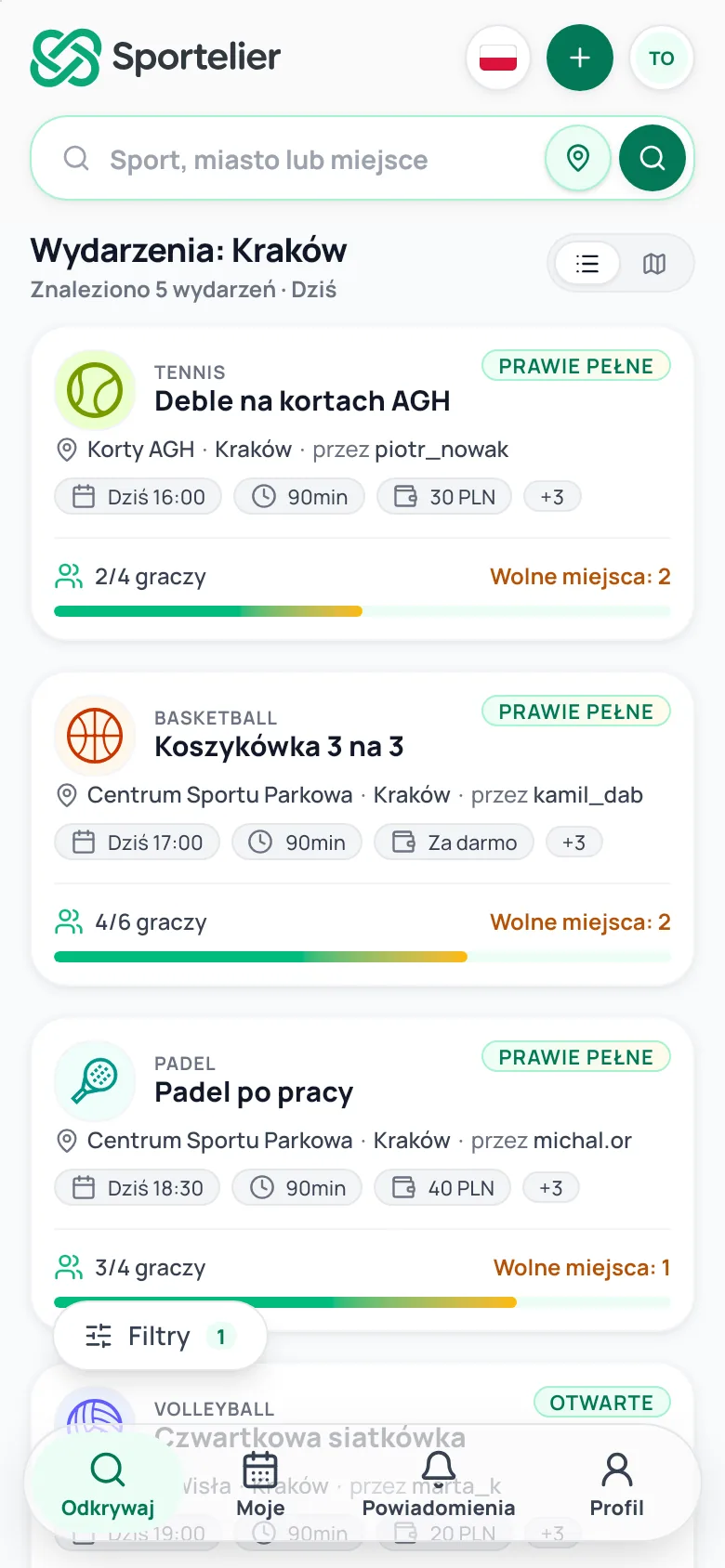
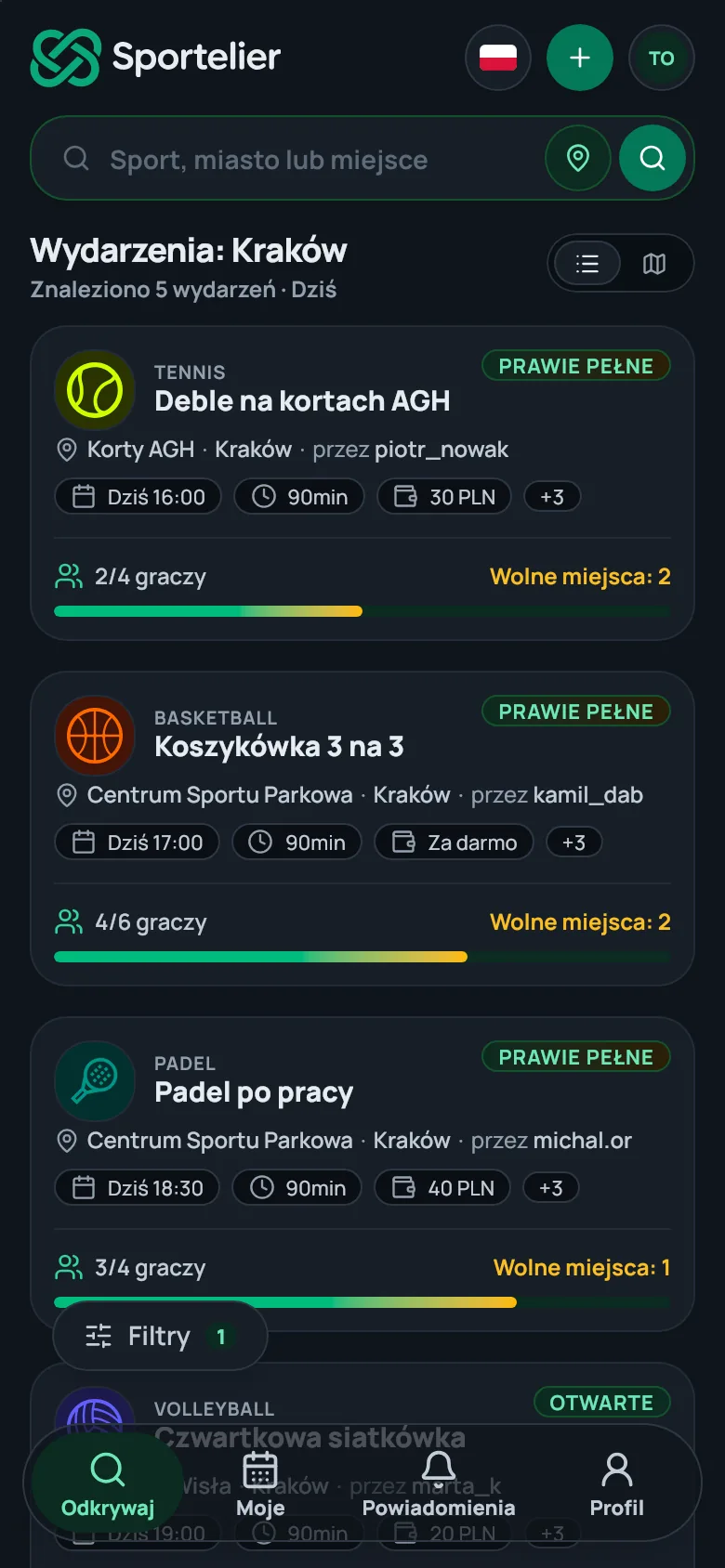
A real app screen, example data
Running, cycling, hiking
Every route has its profile.
When a route is snapped to paths, Sportelier works out the distance and the ascent, and for a hike it suggests an estimated time. You can download any route as a GPX file.
- Distance
- 9.2 km
- Ascent
- 351 m
- Estimated time
- 150 min
A roster in order
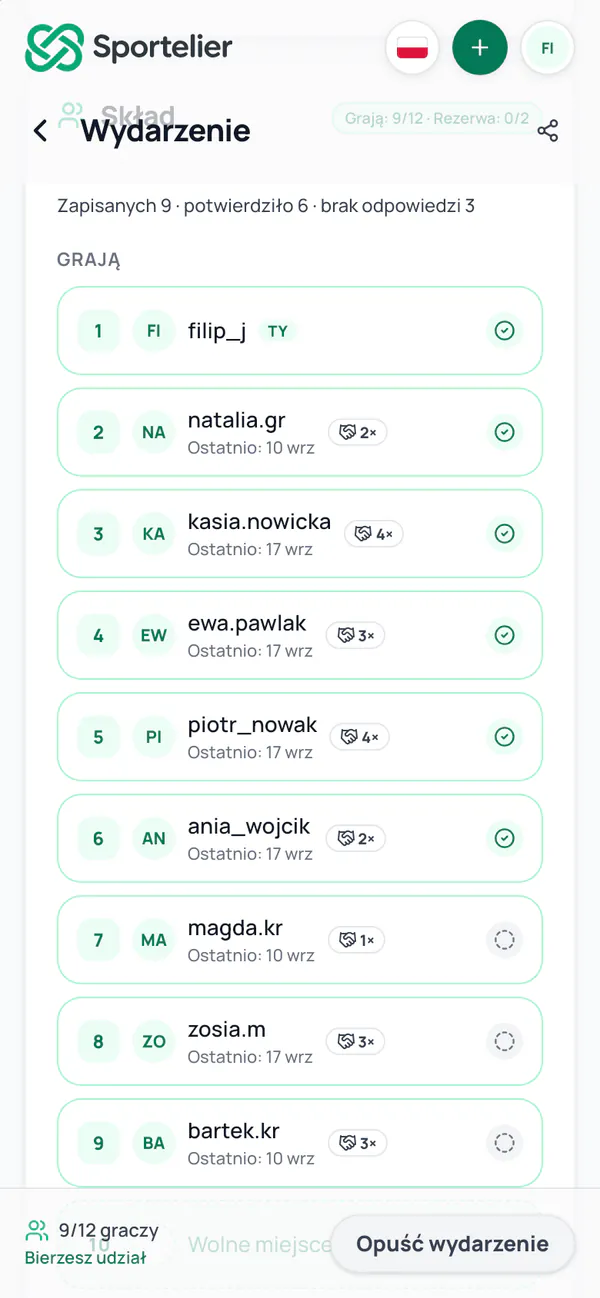
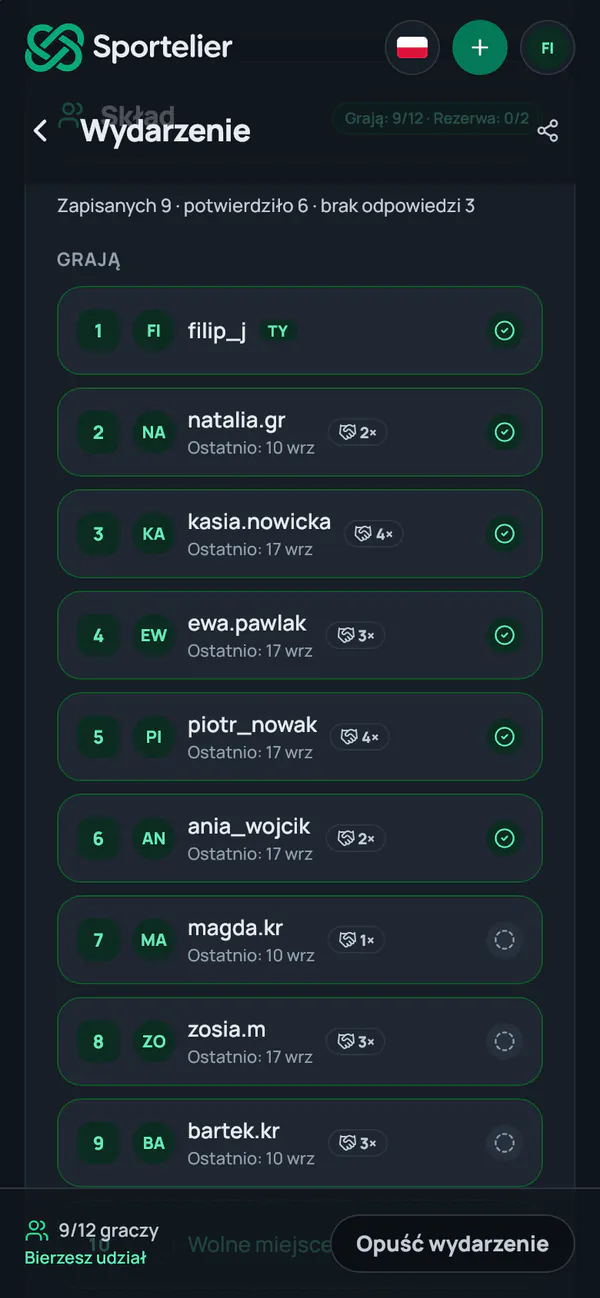
Know who confirmed before you leave home.
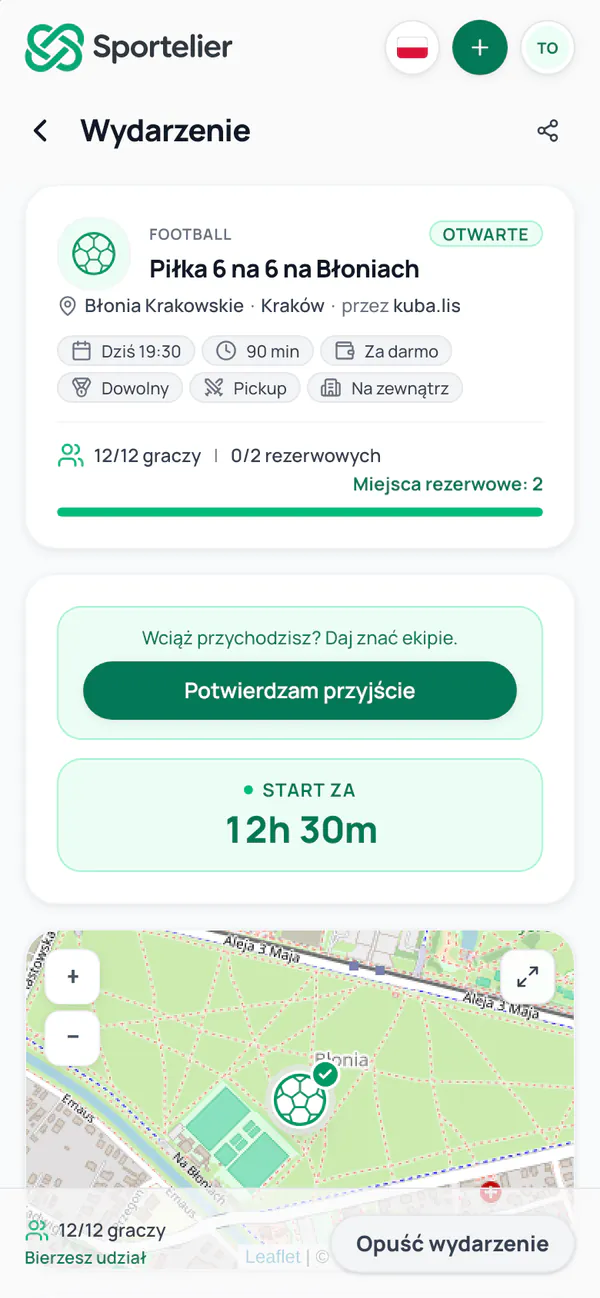
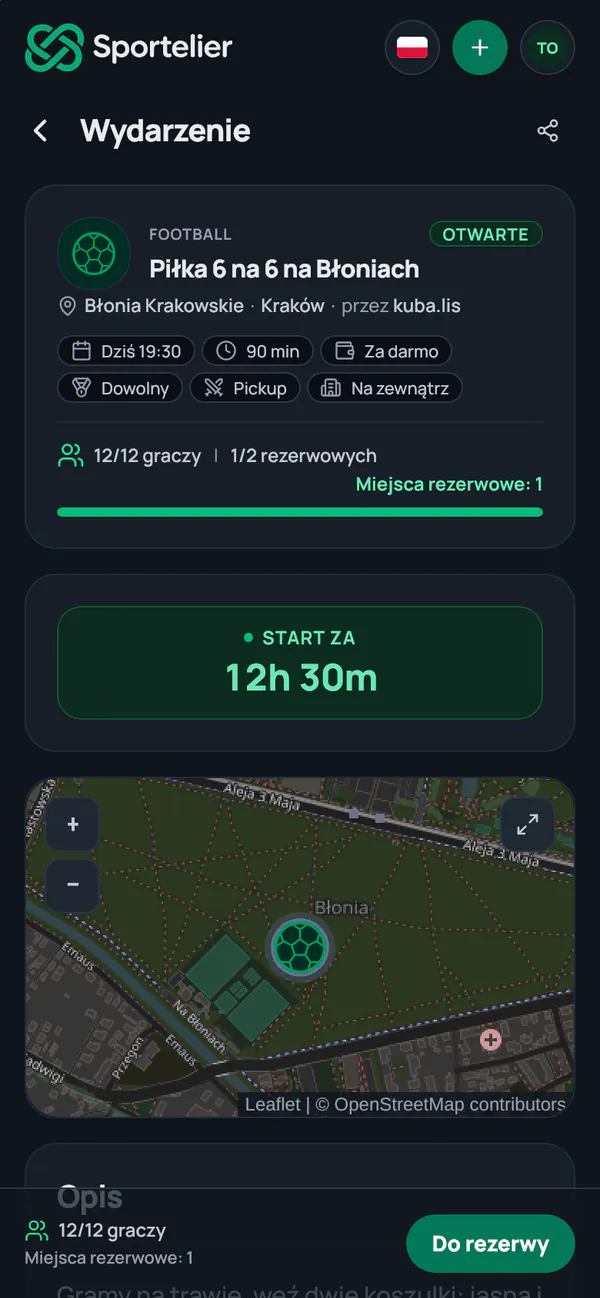
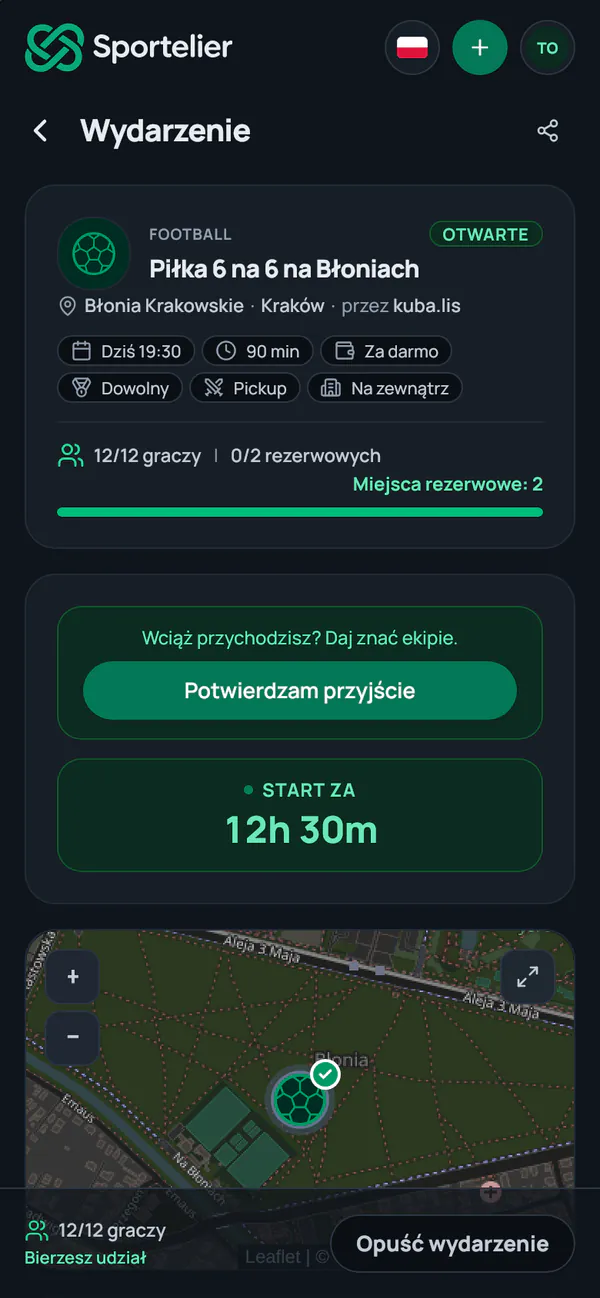
Everyone signs up on their own. The reserve and the waitlist fill freed spots, the day before we ask everyone whether they are coming, and after the event the organizer marks who came.
A simplified example: how a roster fills
Teams and positions
Everyone knows where they play.
Play casually, team against team, or in a formation on the pitch. In Pro mode everyone picks their position, and the organizer completes the line-up and the bench.
- Pickup
- Team vs Team
- Pro
A simplified example: Football 7v7 · 2–3–1 from the app.
A 2–3–1 for two teams of seven: a goalkeeper, two defenders, three midfielders and a striker.For organizers
Gather your crew with one link.
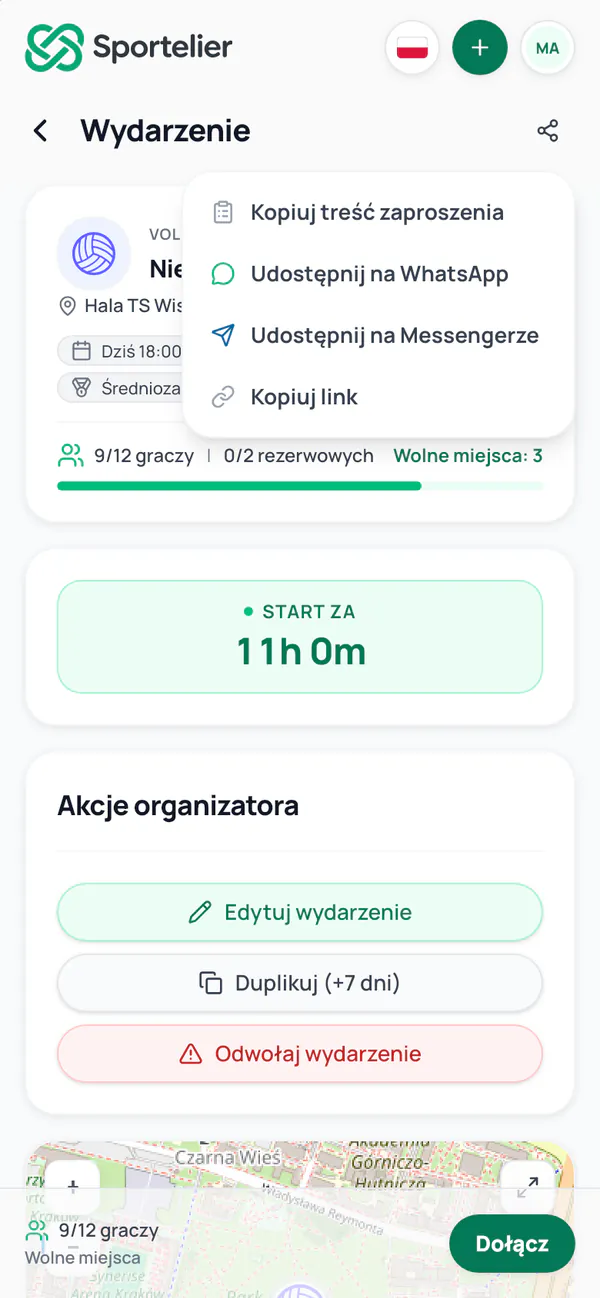
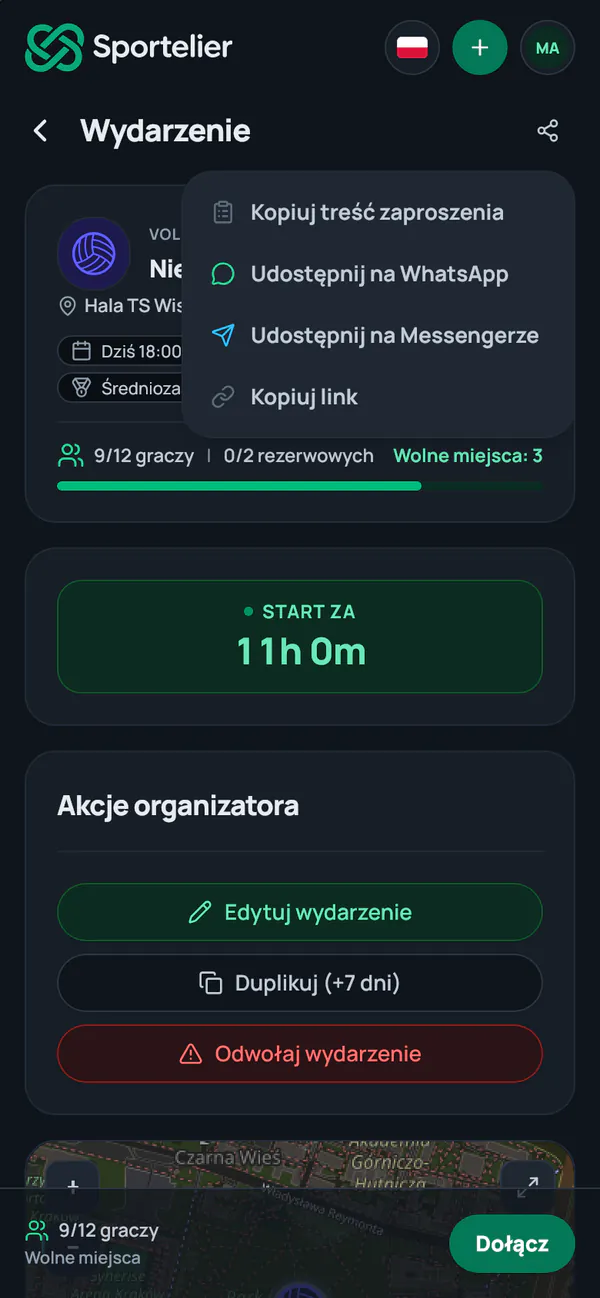
You create the event from places you already use and paste the link into your chat. Whoever opens it sees the current roster and can join.
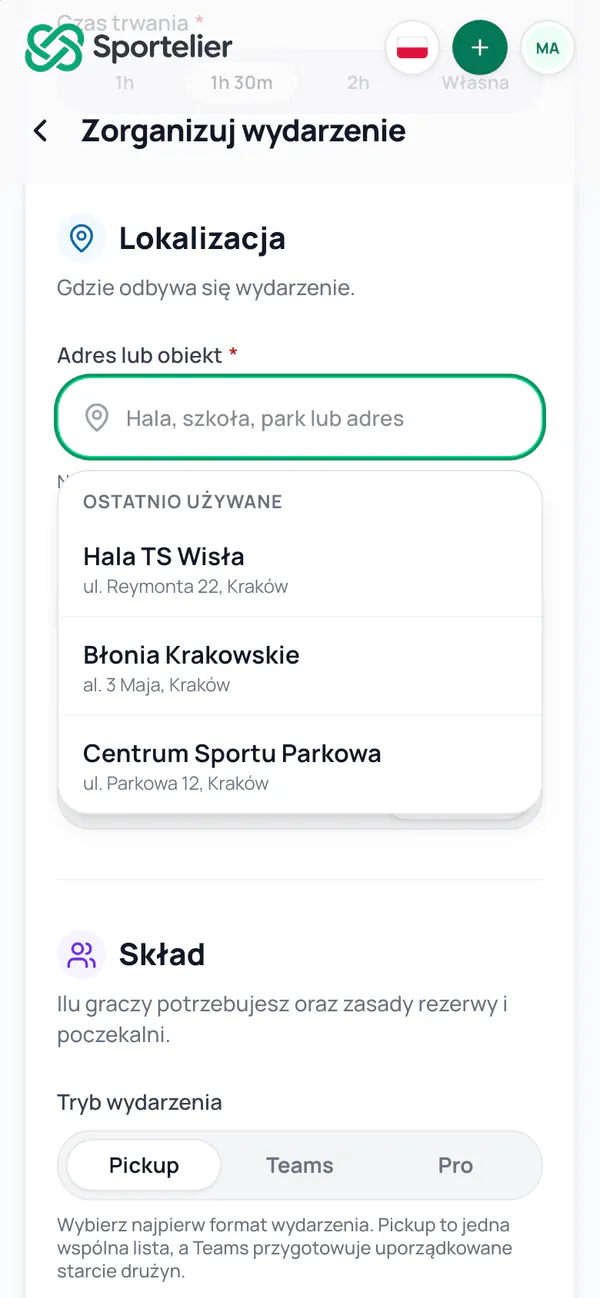
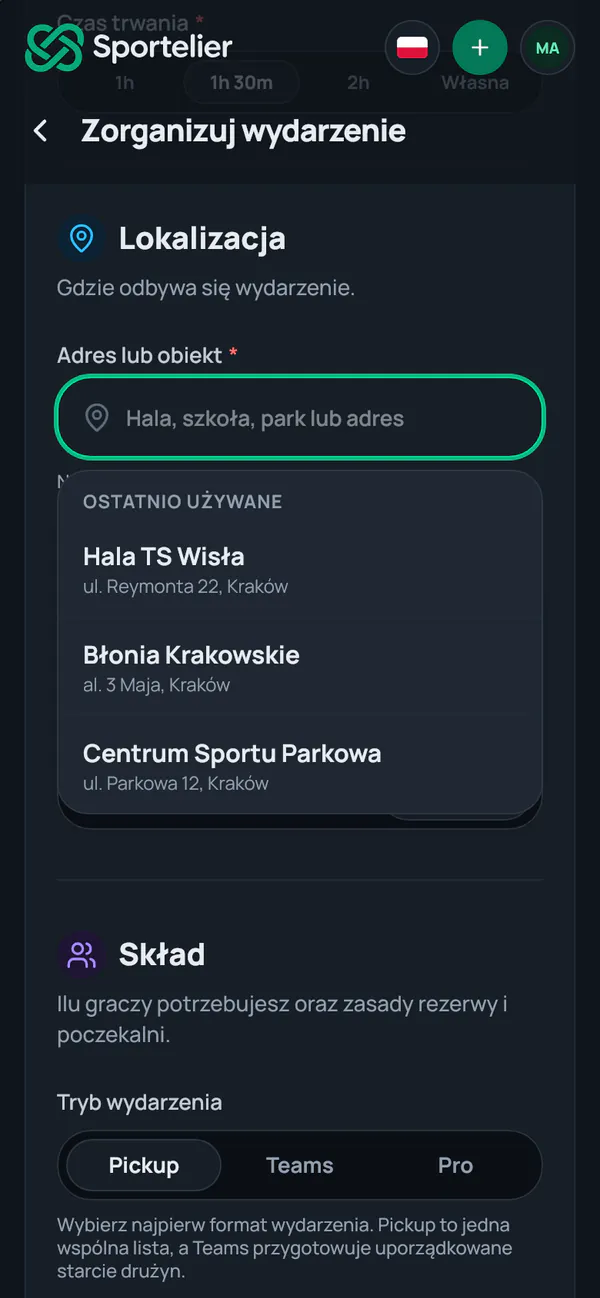
Recently used places
Your pitches and halls wait at the top of the list.
A weekly series
Sportelier keeps up to three dates ready on its own.
Open the free spots
When your crew is short of people, one button shows the spots to people nearby.
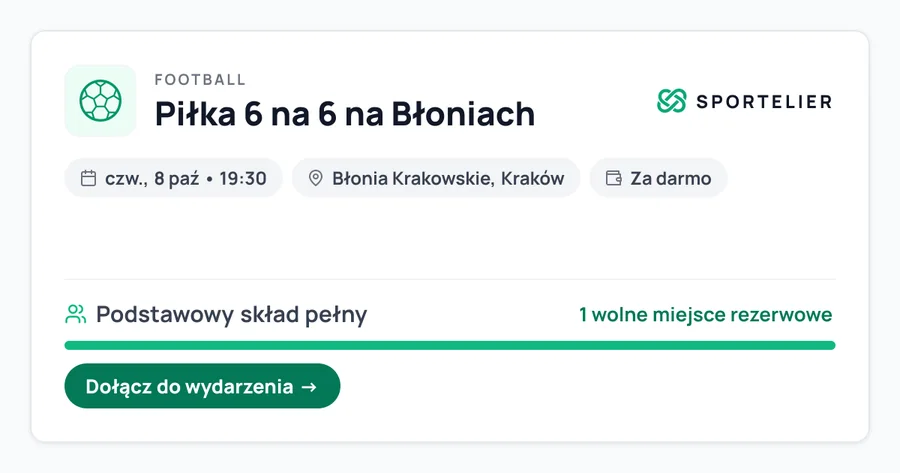
Sportelier makes the link preview. You see the current roster once you open the event.
An example: the link to the event Piłka 6 na 6 na Błoniach pasted into a group chat, with its preview: main roster full, one reserve spot open.People and playing regularly
Every event grows your crew.
People you play with
How many events you have played together. Only you see it.
Follow organizers
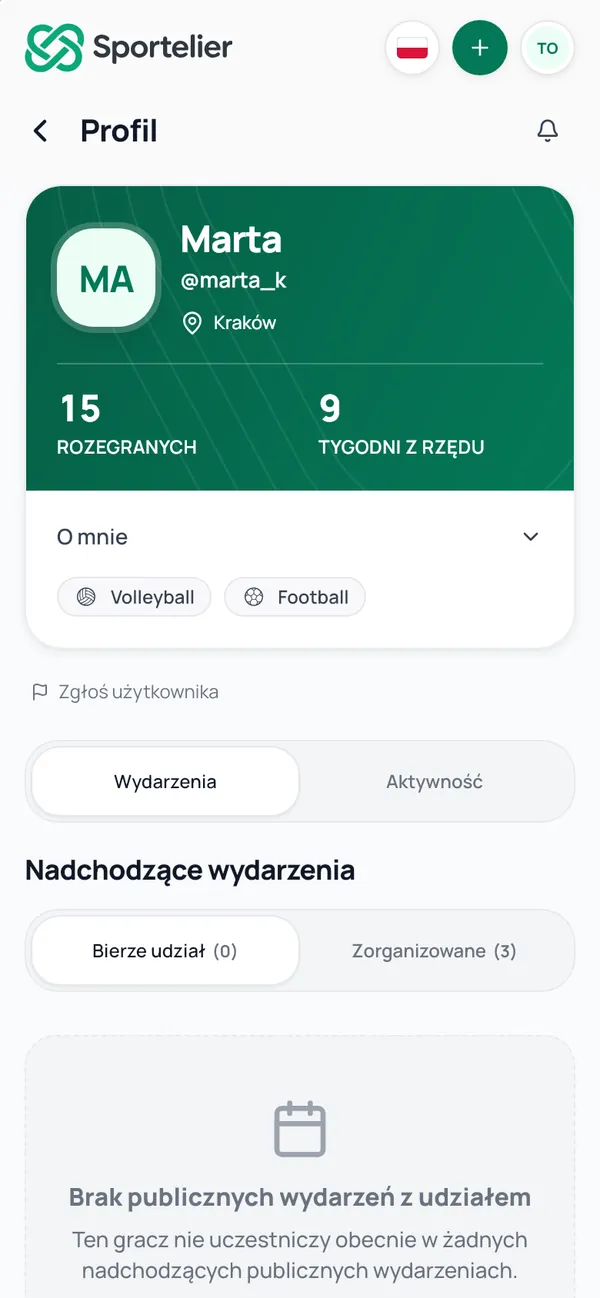
The bell on an organizer's profile: their new events come to you.
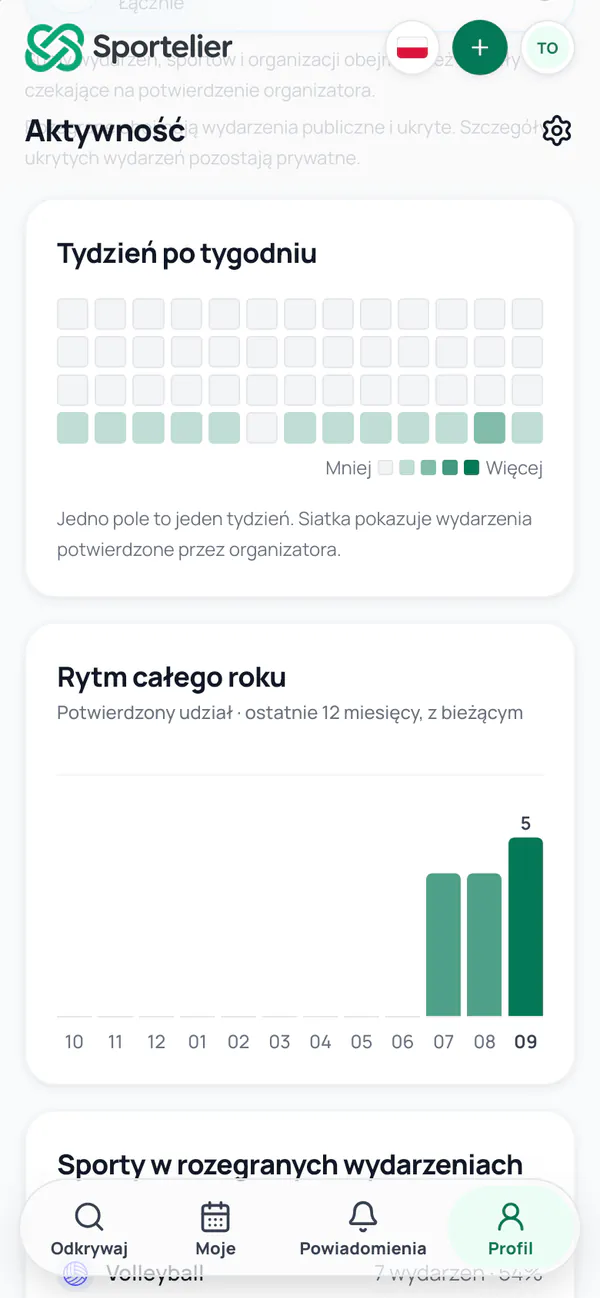
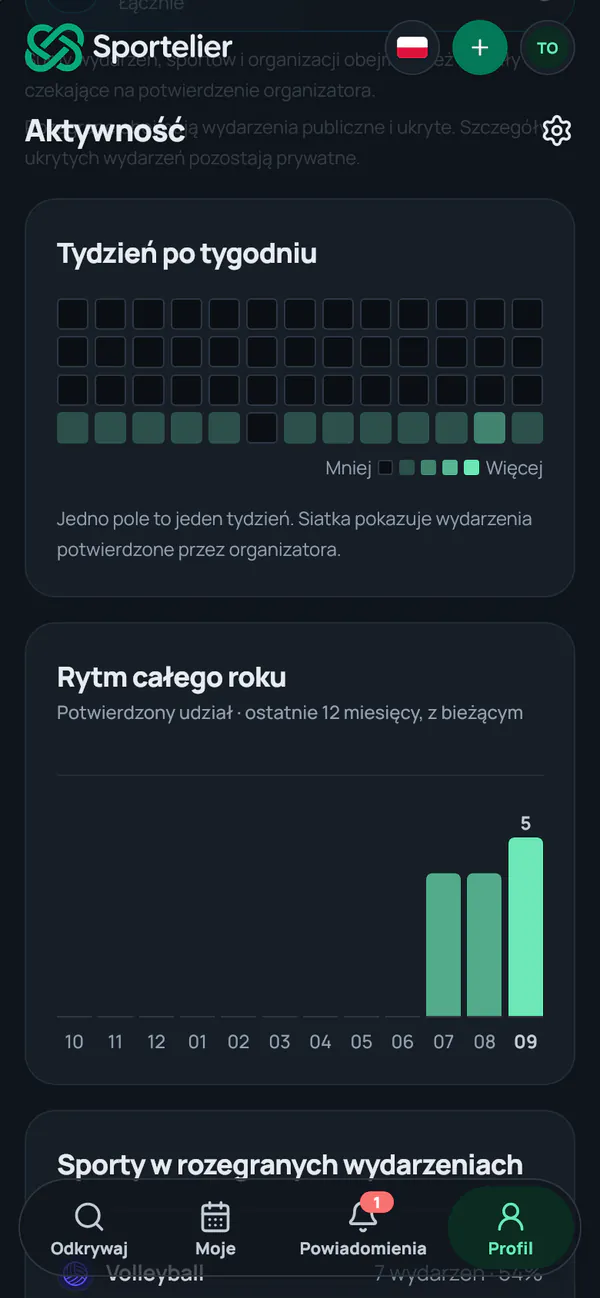
A simplified Activity card: 25 events played, 11 active weeks of the last 13 and 6 sports. Play more often
Your streak of weeks and the sports you play.
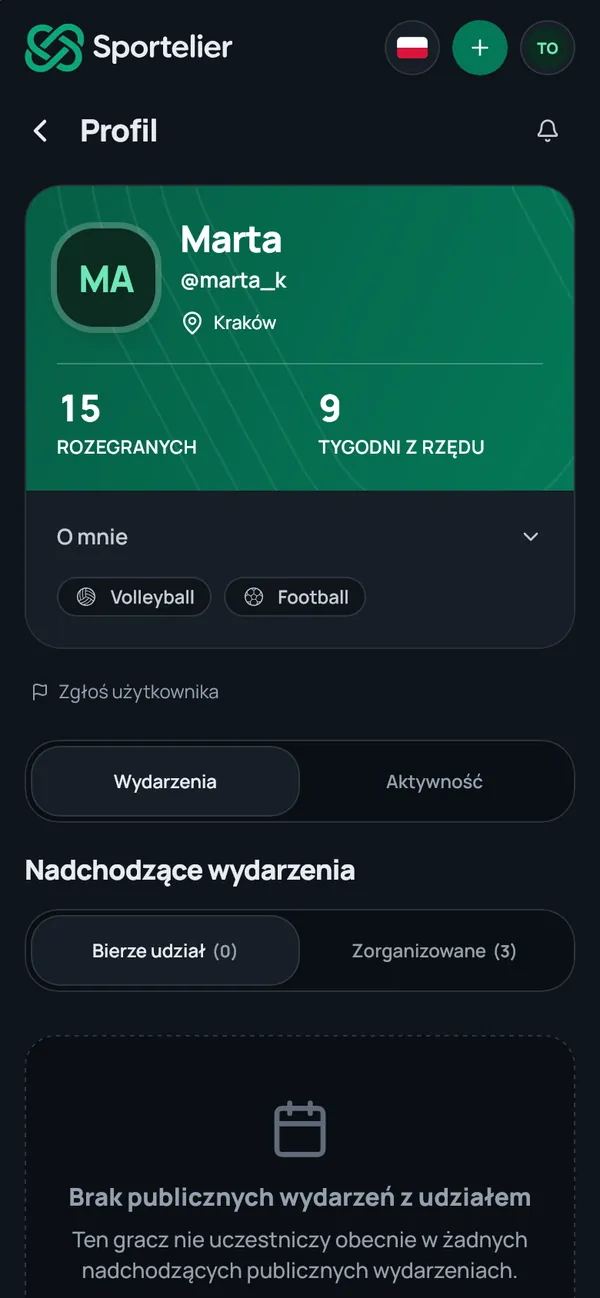
Real screens and a simplified Activity card, example data
How it works
Four steps. From both sides.
Player · step 1
Find an event
The list and the map show what's on near you today and this week.
Player · step 2
Join
An open spot, the reserve or the waitlist. If someone drops out, you move up.
Player · step 3
Say you're coming
The day before, we ask if you're coming. One tap and the crew knows.
Player · step 4
Play
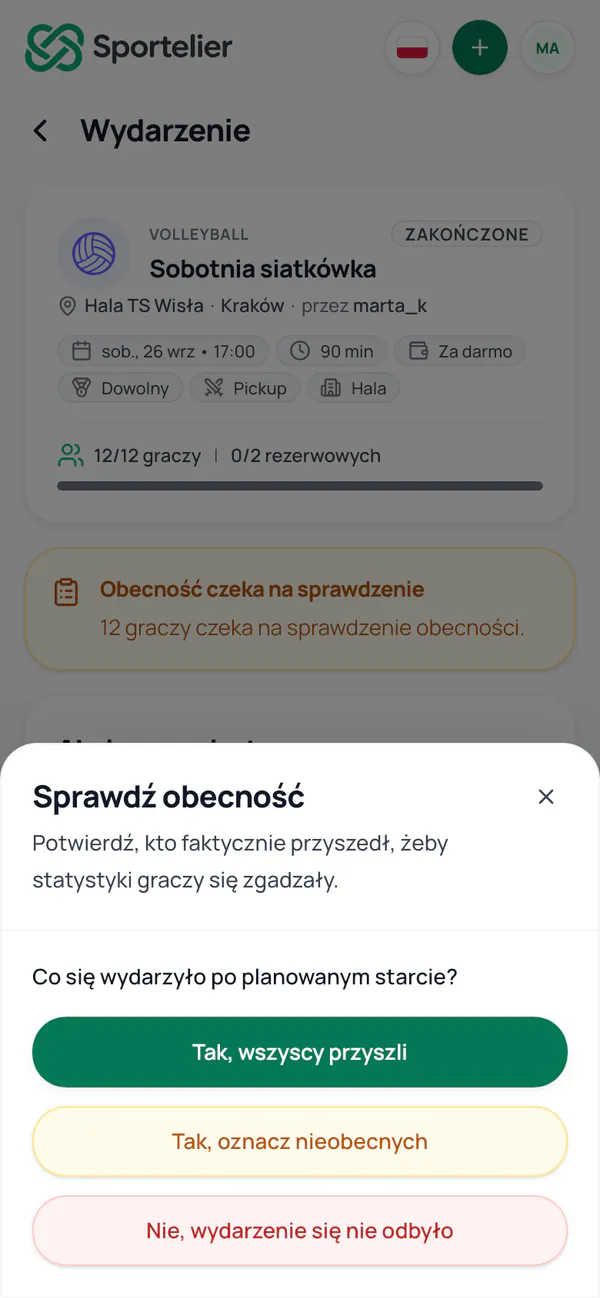
After the event, the organizer confirms who came, and your attendance goes into Activity.
Organizer · step 1
Create an event
Places you already use wait at the top of the list, and if you play every week, you set up a series.
Organizer · step 2
Send the link to your crew
Paste it where you already talk. Whoever opens it sees the current roster.
Organizer · step 3
Watch the roster fill
Notifications about roster changes, and the day before you see who confirmed.
Organizer · step 4
Mark who came
If everyone came, one tap is enough.
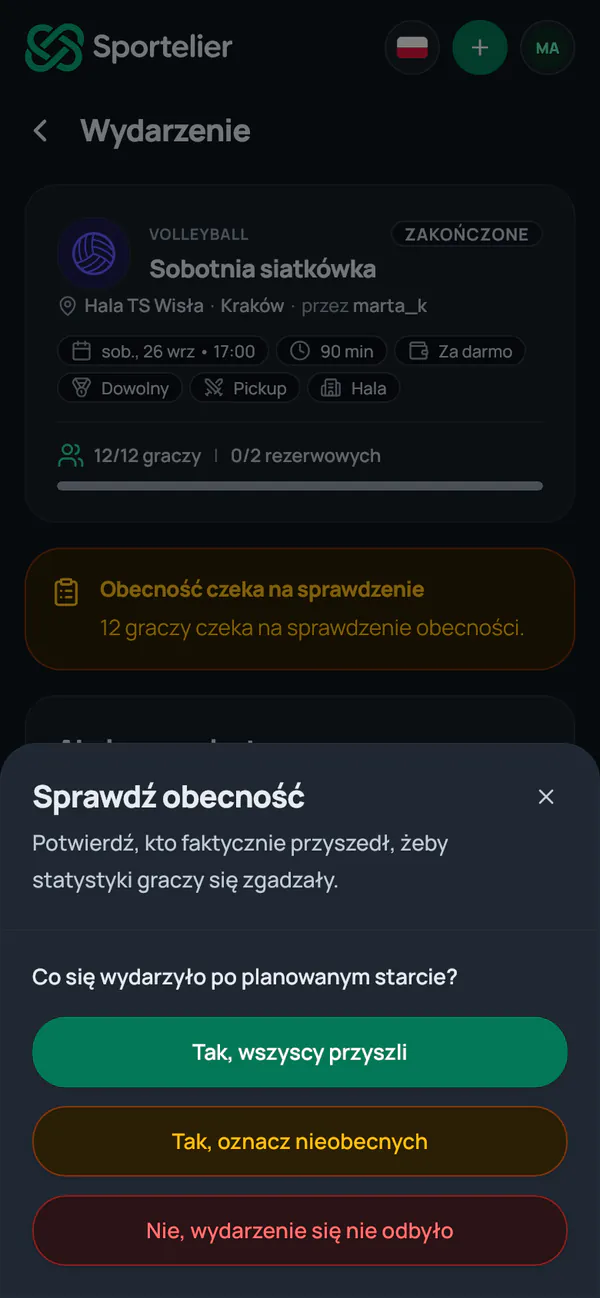
Real app screens, example data
Join Sportelier.
We are starting in Kraków, in beta. The account is free, with no ads.
You can browse events without an account. For paid events you pay the organizer, outside the app.